




With the help of Figma's agent and Codex, I built some software for an e-ink calendar to display our family's activities and a little almanac for the day. Inspired by projects like Wes Bos's smart photo frame dashboard, I wanted a way to see what was coming up, but I really didn't want a bright screen in my kitchen. So I'd been looking for an e-ink panel for the past few months.
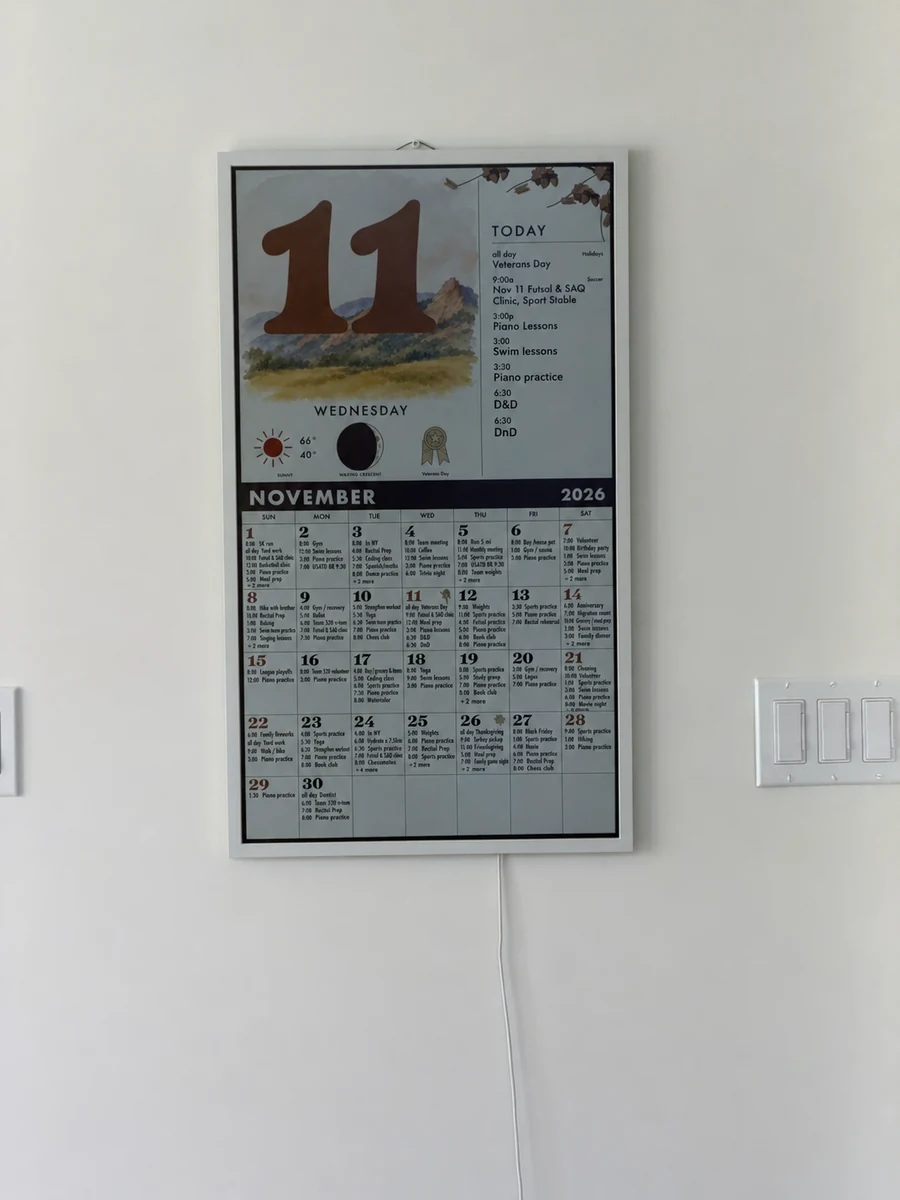
Finding the panel
The problem: the 32-inch panels I kept finding cost more than $1,500. This is too much money. But, for reasons I still don't understand, I found a Samsung EM32DX on Newegg for about $600. Still not cheap, but a much better price.
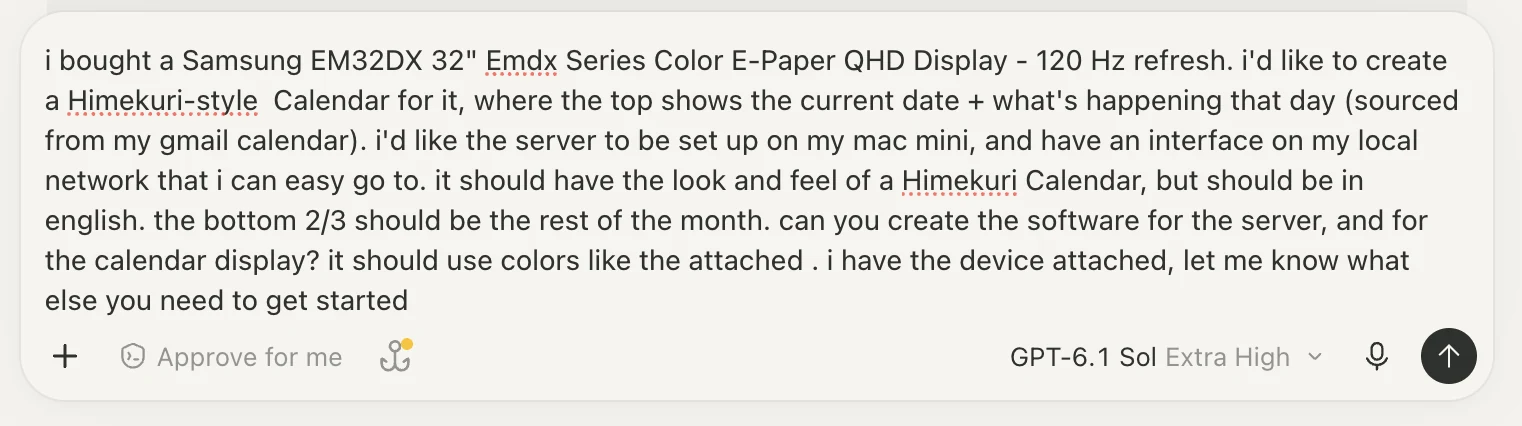
While the panel charged, I hooked up my computer so Codex could set up the display and the calendar service. I'd seen this Himekuri calendar, and wanted something similar in vibes: a big date, a clear view of the day, and the feel of a paper calendar. I kicked it off with a prompt:
Designing a year at once
I workshopped the initial look while I was out. Once I had an image of what I wanted, I used the Figma MCP server to lay out the months and see how the calendar would look throughout the year.
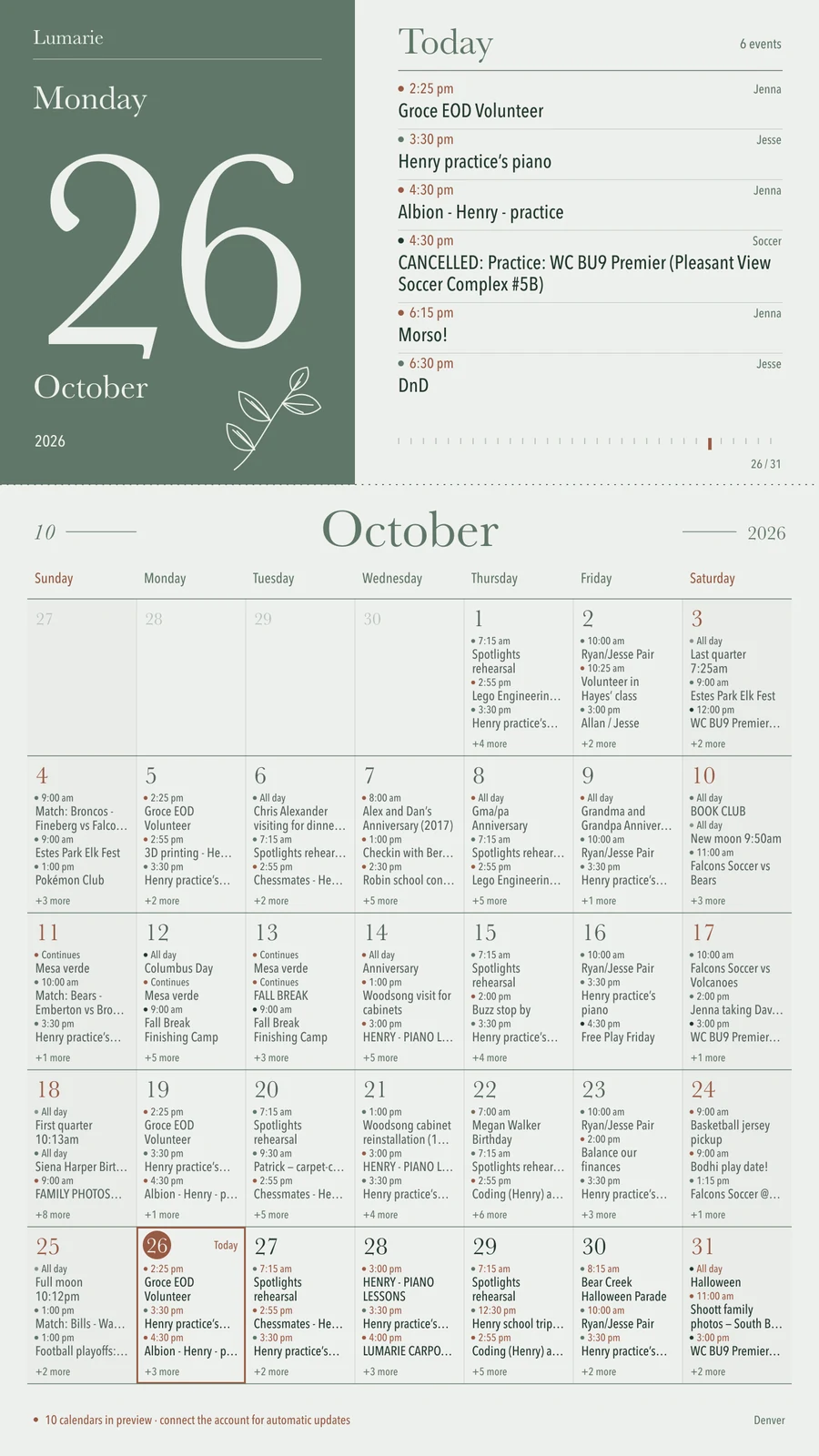
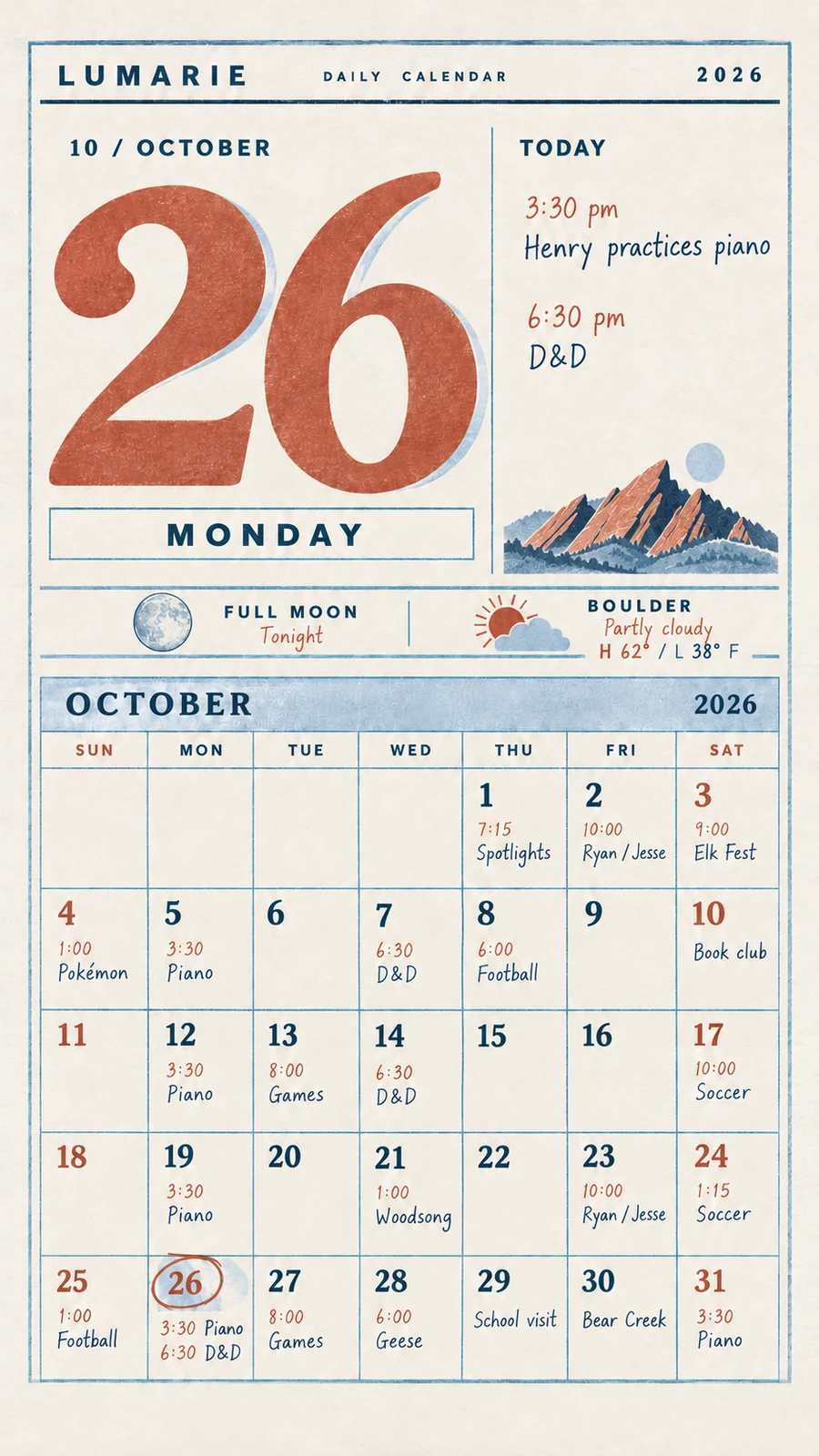
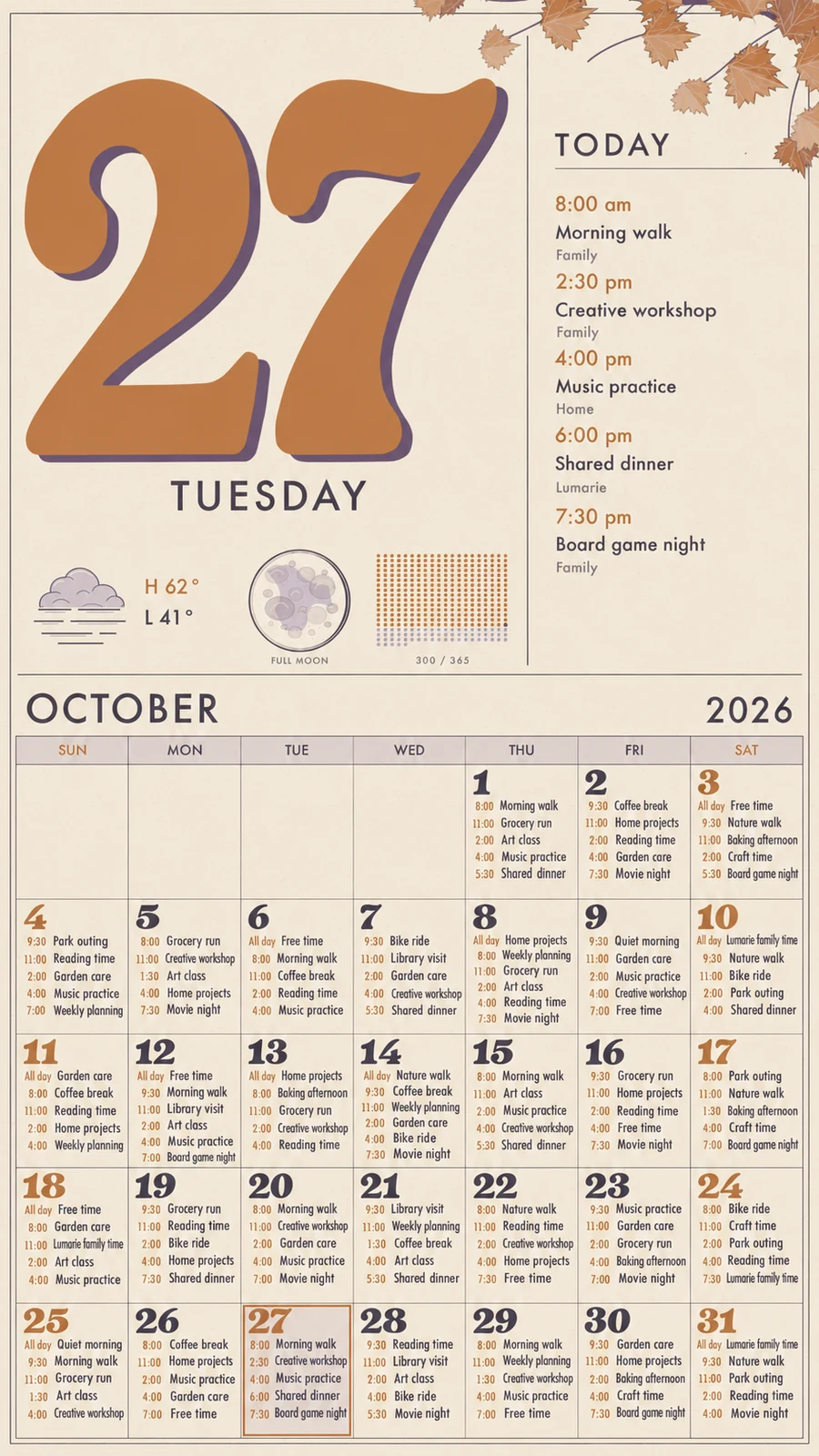
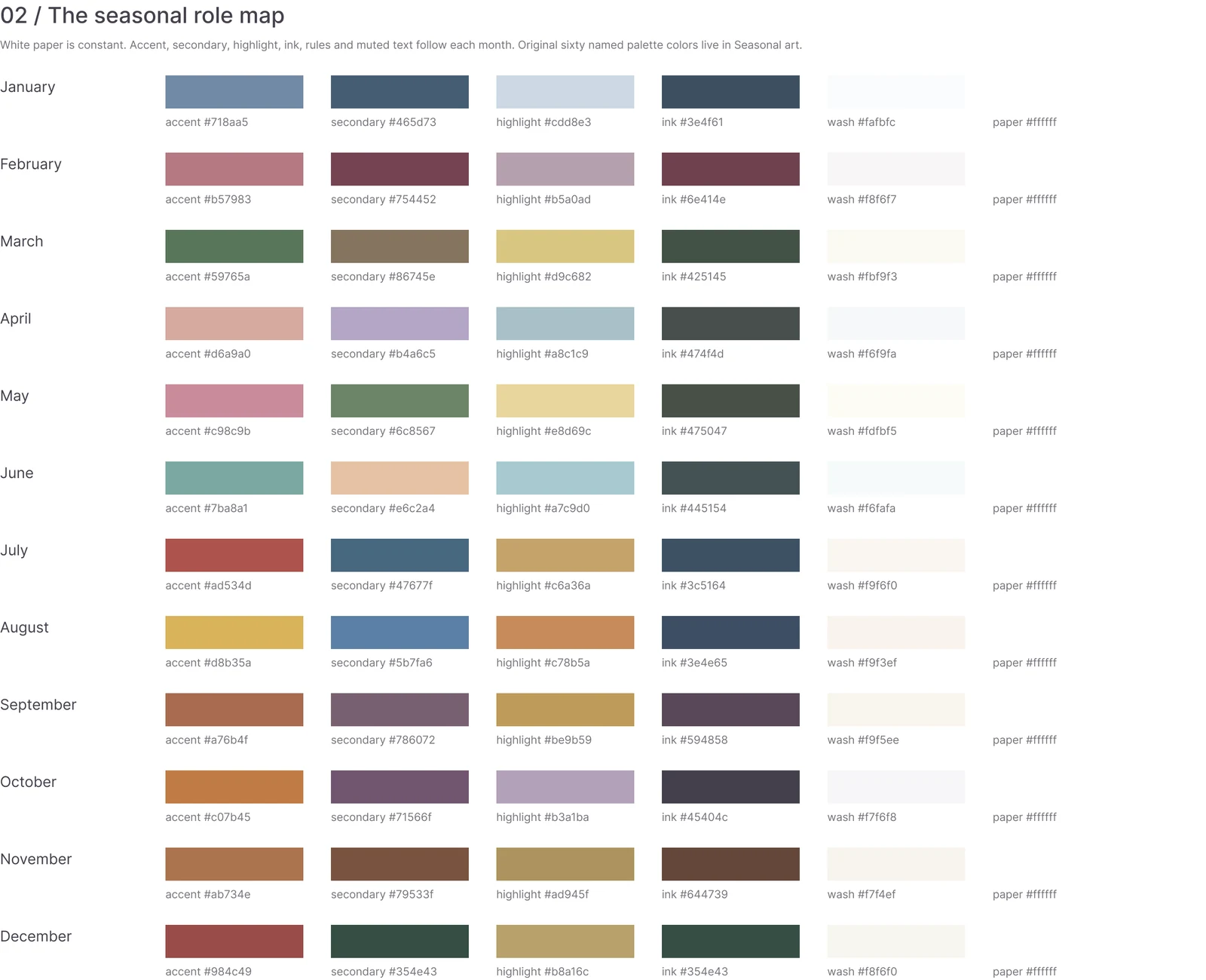
It's so much easier to understand the whole design when the pieces are spread out on a canvas. I could compare the colors across months, adjust the layout, and make the seasonal artwork feel like it belonged to the same calendar.
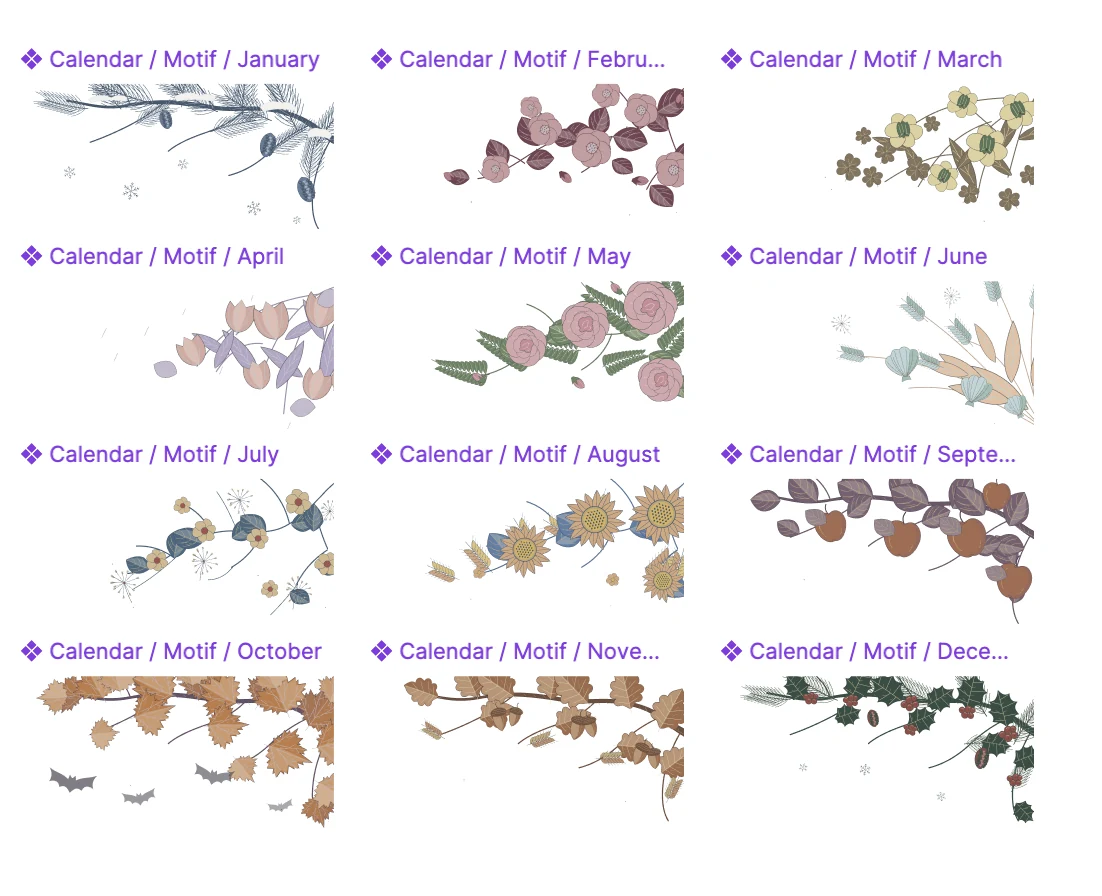
Tweaking little things, like where the bats or snowflakes sit among the branches, was easy with the Figma agent. Once I was happy with them, I could export the artwork through the MCP server.

School lunch and the mini in the closet
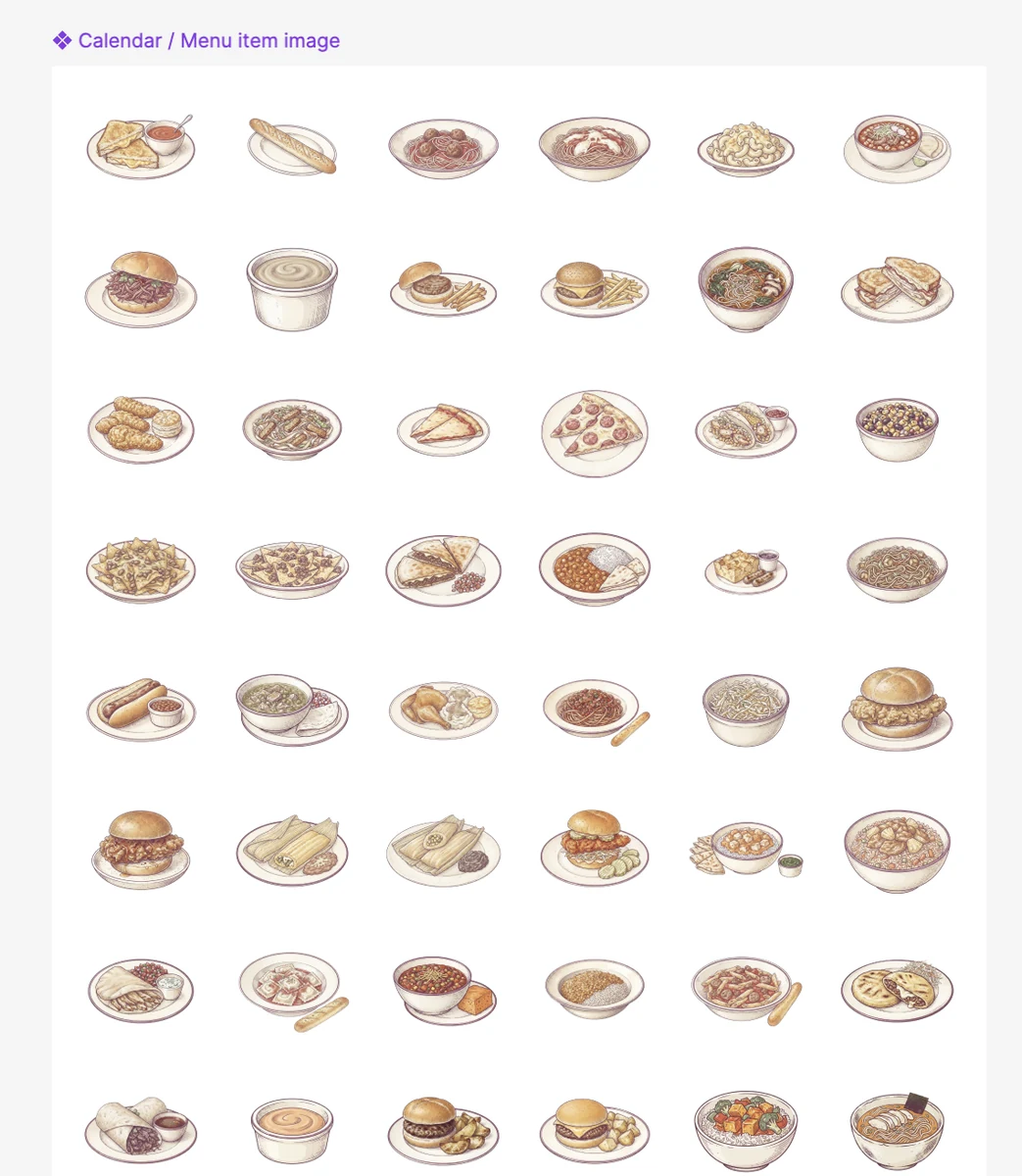
My kids get lunch through their school, so I also made a little widget to show what's on the menu. Figma made it easy to view the illustrations together, tweak each generation, and keep them in line with the Himekuri feel.
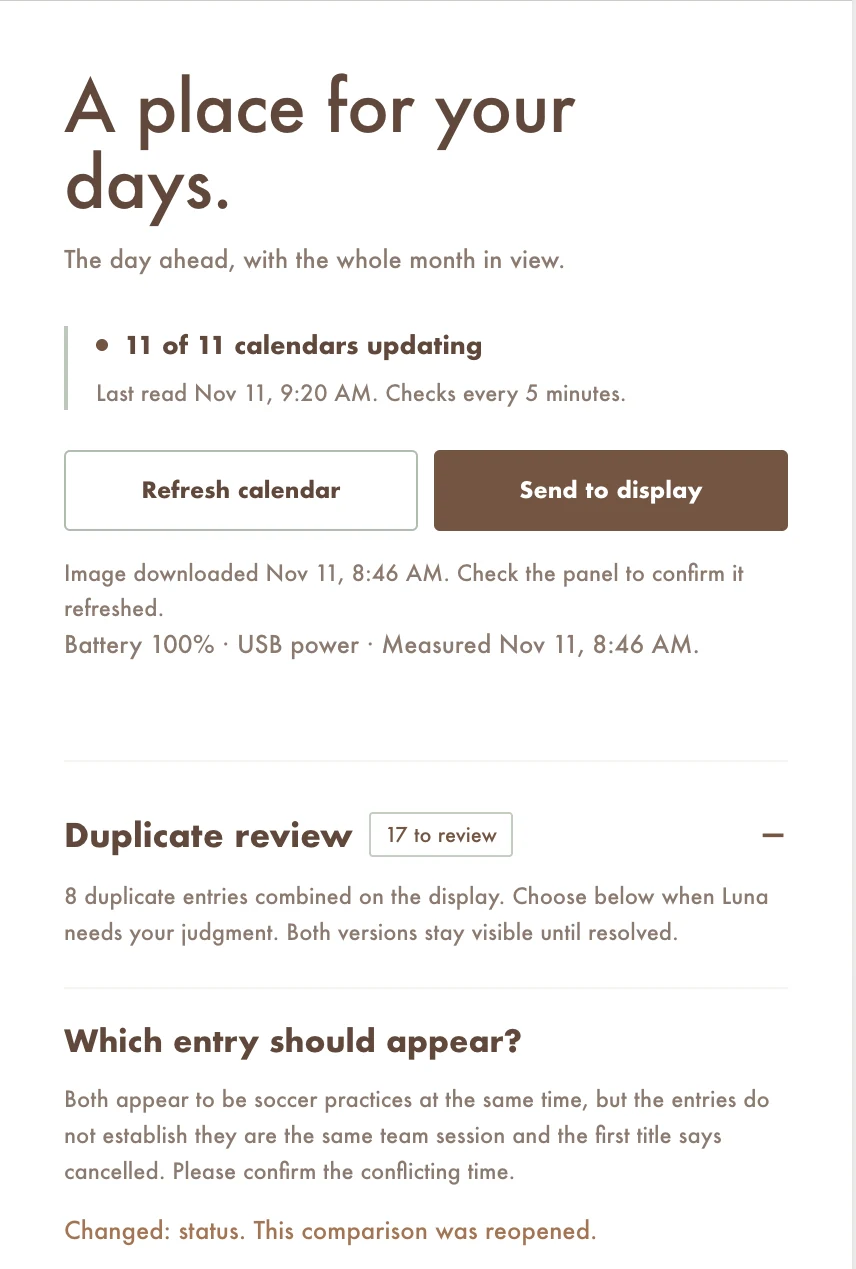
I have a Mac mini in a closet that runs a bunch of little sites for my house. The calendar service lives there too. I added controls so I can remove calendars, have Luna shorten event names, and use the Luna Decisions API to work out whether an entry on my calendar is a duplicate of one on my wife's.
Still plugged in
I really love how this looks in the house, and that it's a service I can easily update. If I see something that I don't like, I ask my dot to change it, and it kicks off a Codex thread to update everything, which then updates my designs in Figma. Truly personal software.
My only gripe right now is battery life. Samsung's manual describes about 200 days on a charge, but that's with one screen refresh a day and without using Wi-Fi or the mobile app. It recommends the charger when using the mobile app or VXT Player app. That's a different setup from my running calendar.
If I could get closer to 30 days, I'd happily leave it unplugged. For now, that part is still a work in progress.